ENT YouTube Channels | Explainer Videos Patients Watch Before Booking
ENT YouTube refers to the video channels ENT practices use to share short explainers about common conditions, procedures and what to expect at a visit. Many people search YouTube before booking, and a practice channel lets them meet the physicians and learn the basics in the practice's own voice. In short, an ENT YouTube channel works best when it follows a simple topic plan, uses short and clearly recorded explainers, gives every video a plain title and description, groups videos into playlists and shares them on the practice website. A monthly review shows which topics people watch. This resource from ENT Planning explains how practices plan a channel, choose topics, record and publish videos, connect them to the website and the questions practices bring to a marketing professional.
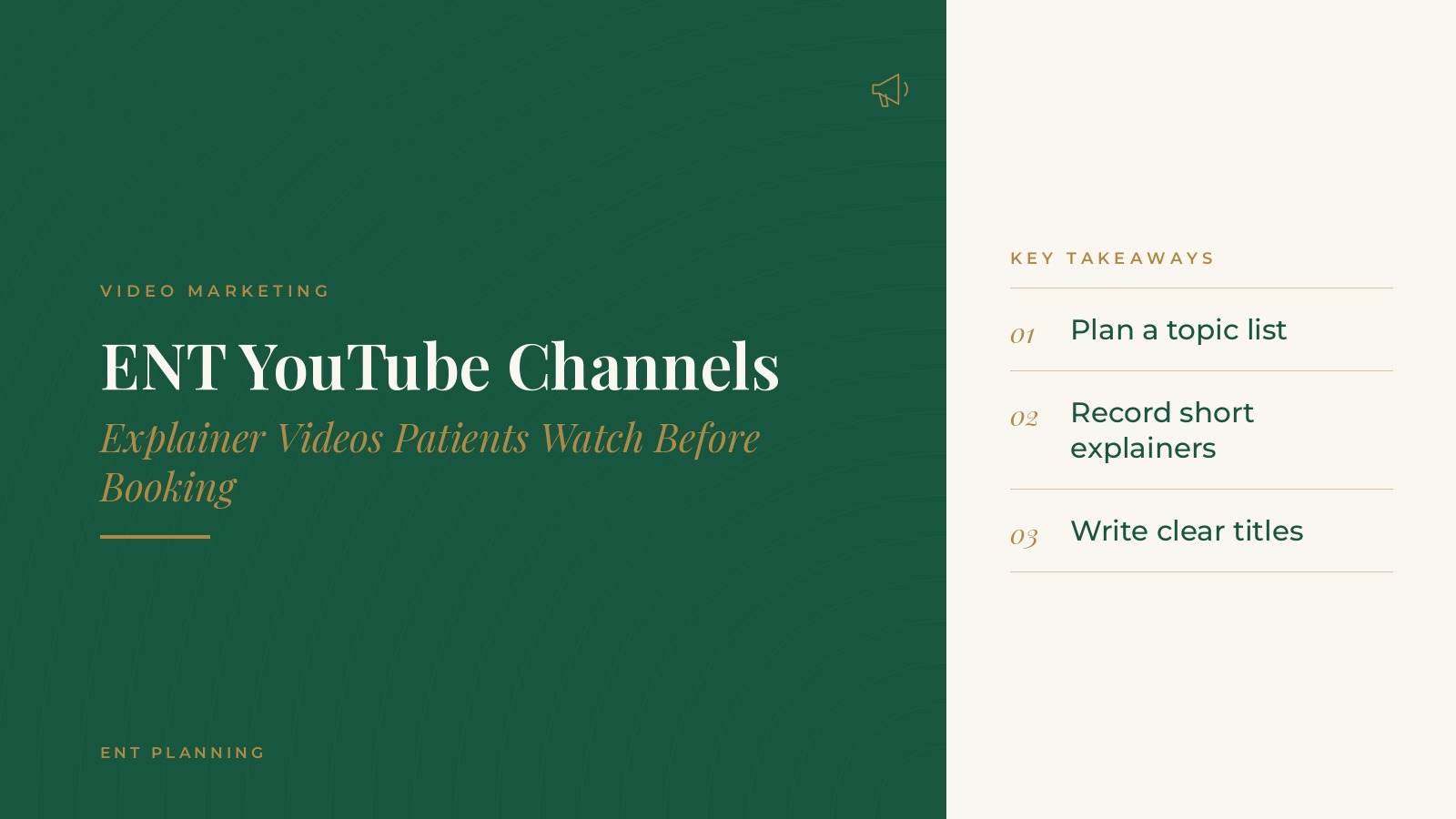
Key takeaways
- Start with a simple topic plan.
- Keep explainers short and clearly recorded.
- Write plain, searchable titles and descriptions.
- Group videos into playlists by topic.
- Share each video on the matching website page.
Why ENT YouTube channels help patients prepare
People watch before they book
Many people look up a condition or procedure on YouTube before choosing a practice. A short explainer from one of the practice's own physicians gives them a sense of who they will see and how the practice explains care.
Video answers common questions
Questions that come up at many visits, such as what happens at a first appointment or how a hearing test works, can be answered once in a video and shared many times.
Part of the wider plan
Video works alongside the website, social channels and other content. The guide to ENT content marketing explains how practices plan topics across formats.
Planning an ENT YouTube channel
Set up under the practice
The channel is created under the practice's own account, with the practice name, logo and a short description that matches the website.
Choose a format
Many practices start with one simple format, such as a physician answering a single question in two to four minutes, and keep it consistent.
Set a realistic rhythm
One or two new videos a month is often easier to maintain than a large batch followed by silence. Recording several videos in one session helps keep that rhythm.
Feature physicians and staff
Videos feature physicians and staff speaking to the camera. Patients do not appear, which keeps the planning simple.
ENT Planning can introduce you to independent digital marketing and video professionals who work with ENT practices on YouTube channels, explainer video planning and website video content. To request an introduction, contact us or call or text (972) 616-4581. You can also read about ENT digital marketing services.
Choosing explainer topics
Start with common questions
The front desk and clinical staff usually know the questions patients ask most often. Those questions make a strong first list of topics.
Follow the service lines
Topics can follow the practice's main service lines, such as sinus care, hearing, allergy, sleep and pediatric ENT, so each line has a few explainers.
What to expect videos
Videos that describe what happens at a visit, a test or a procedure day help people feel prepared without giving individual medical instructions.
Match the website
Choosing topics that match existing condition and service pages makes it easy to place each video where it belongs. The guide to ENT condition pages covers how those pages are written.
Recording basics
Sound first
Clear audio matters more than anything else. A small clip-on microphone usually sounds better than the built-in microphone on a phone or camera.
Simple lighting
Soft, even light from the front, such as a window facing the speaker or a basic light panel, keeps the physician's face clear.
A tidy setting
An exam room or office with a clean background works well. Removing clutter and screens with information on them keeps the focus on the speaker.
Short and focused
Each video covers one question. Brief, focused explainers are easier to watch, easier to title and easier to place on the website.
Plan recording days
Grouping several videos into one recording session, with topics and talking points prepared ahead of time, makes the best use of a physician's schedule. A short checklist for each session, covering the microphone, lighting, background and topic list, keeps every video looking and sounding the same.
Titles, descriptions and playlists
Plain titles
Titles that use the words people search, such as the name of a condition or test, help videos appear in YouTube and Google search.
Helpful descriptions
A description of a few sentences summarizes the video, names the practice and links to the matching page on the website.
Captions
Captions, reviewed for accuracy, make videos easier to follow with the sound off and give search engines more text to read.
Playlists by topic
Playlists that group videos by service line, such as sinus, hearing or allergy, help viewers find related videos and keep watching.
Sharing videos on the website and social channels
Embed on matching pages
Each video can be embedded on the condition or service page it relates to, giving visitors another way to learn on that page.
Social sharing
Short clips and links can be shared on the practice's social channels. The guide to ENT social media explains how practices plan posts across channels.
Link from the map listing
Some practices add videos or a channel link to their map listing. The guide to the ENT Google Business Profile covers how that listing is maintained.
Reporting and questions to ask a marketing professional
What to review
Many practices review views, watch time, the most watched topics and visits to the website from YouTube each month.
Planning questions
- Which topics should the first ten videos cover?
- Who will appear in the videos, and how will recording sessions be scheduled?
- Who writes and reviews titles, descriptions and captions?
- How will videos be placed on the website and shared on social channels?
- Which numbers will be reported each month?
Keep the channel in the practice's name
Many practices keep the YouTube channel under the practice's own account, with the marketing professional added as a manager, so the videos stay with the practice.
Frequently asked questions
What is ENT YouTube?
It is a practice YouTube channel with short explainer videos about common ENT conditions, procedures and what to expect at a visit.
How long should ENT explainer videos be?
Many practices keep explainers to about two to four minutes, with each video answering a single question.
What topics work well for an ENT channel?
Common questions from patients, the practice's main service lines and what to expect at visits, tests and procedure days are common starting points.
Do videos need captions?
Captions reviewed for accuracy make videos easier to follow with the sound off and give search engines more text to read.
Where should ENT videos be shared?
Many practices embed each video on its matching website page, share it on social channels and link the channel from their map listing.
Request an introduction
ENT Planning can introduce you to independent digital marketing and video professionals who work with ENT practices on video content, search visibility and social media planning. Learn more about ENT digital marketing services, then take the short ENT Planning Marketing & SEO survey and request an introduction. You can also call or text (972) 616-4581, or contact us. The form goes to [email protected].